
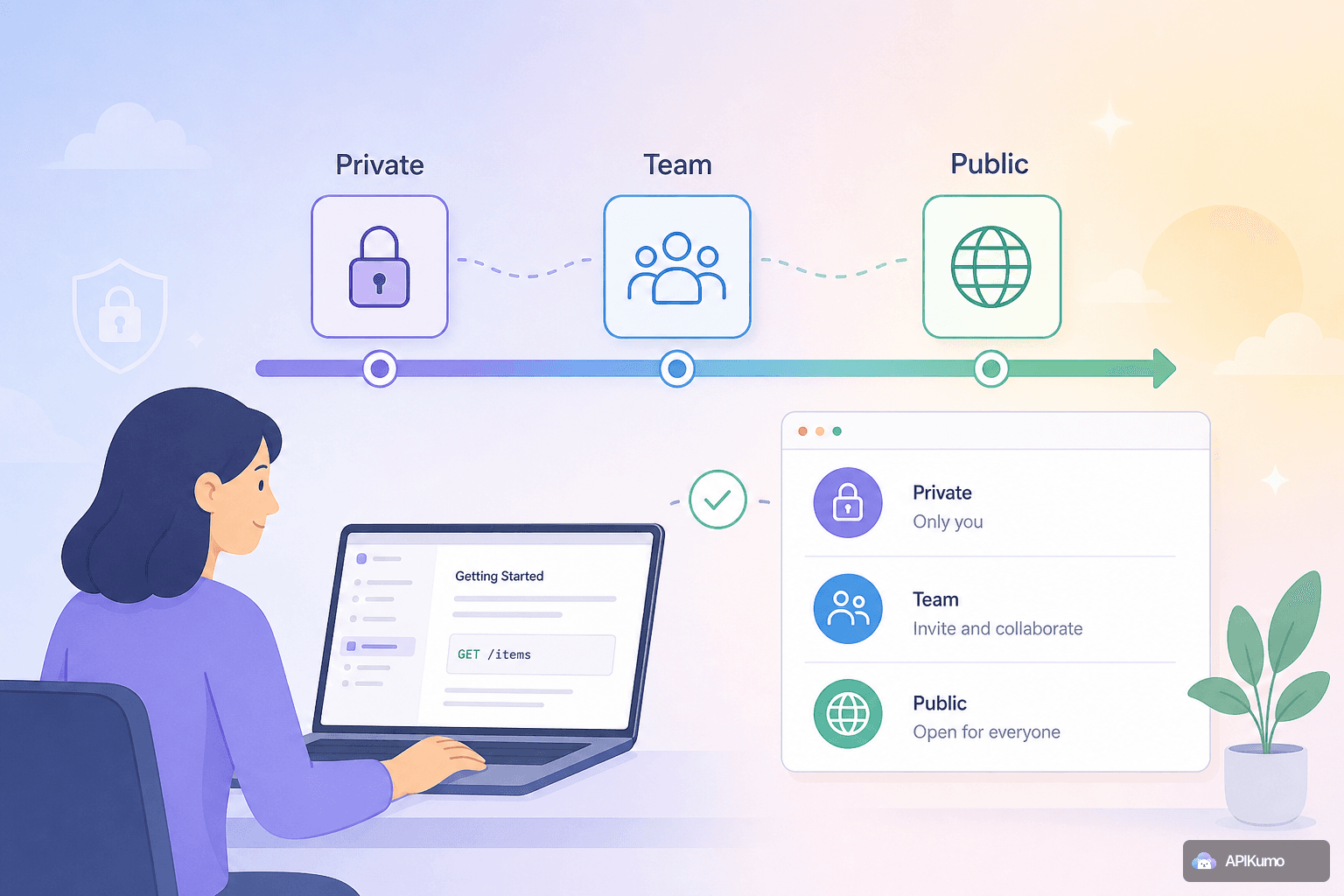
Shipping an API is rarely a single moment. There is a period where the schema is still changing, a period where a handful of partners need early access, and — eventually — the moment you open the doors to everyone. Most documentation tools force you to choose between fully private and fully public, leaving you to manage the in-between with ad-hoc workarounds like password-protected ZIP files or hastily spun-up staging sites.
apikumo handles this with three visibility modes built directly into every published Docs Site: Closed, Open, and Restricted. Together they form a natural release workflow you can move through at your own pace, with a single setting change at each stage — no redeployments, no separate infrastructure.
The Three Modes at a Glance
Before walking through the workflow, here is what each mode actually does:
- Closed — the Docs Site is visible only to you, the collection owner. Anyone else who lands on your
your-name.apikumo.comURL sees nothing. - Open — anyone with the link can read the docs and use the Try-it panel. No sign-in required.
- Restricted — only specific email addresses you allowlist can access the site, and they must sign in to prove their identity.
You switch between them in one click from the Publish settings panel. The change takes effect immediately.
Stage 1 — Build in Private with Closed Mode
When you first create a collection in apikumo, the published Docs Site defaults to Closed. This is intentional. Early API development is messy: endpoints get renamed, request bodies gain and lose fields, authentication schemes change. Publishing documentation that reflects any of that too early creates confusion you will spend weeks correcting.
During this stage, Closed mode lets you:
- Use the live docs as a personal reference while you design and test requests in the workspace editor.
- Iterate on schemas in the structured schema editor without worrying that partners are reading outdated field descriptions.
- Take a version snapshot of the collection once a milestone is stable, so you have a clean baseline before you let anyone else in.
The URL for your Docs Site exists and is shareable from day one — it just returns an access-denied response until you choose otherwise. That means you can reserve a memorable subdomain (for example, payments-api.apikumo.com) and let your team bookmark it, even before a single endpoint is ready to share.
Stage 2 — Invite Partners with Restricted Mode
Once the core endpoints are stable enough for external eyes, the next step is a controlled beta. This is where Restricted mode earns its place.
You provide an allowlist of email addresses. Anyone on the list can visit your Docs Site after signing in; everyone else still sees nothing. This gives you a genuine access gate without any infrastructure overhead on your side.
What your beta partners can do
Restricted mode does not strip down the docs experience. Allowlisted readers get the full site:
- Every saved request in the collection becomes a docs page with method, URL, parameters, and schemas.
- Per-endpoint permalinks they can share internally within their own team.
- The Try-it panel, which lets them call your endpoints directly from the page. If you have pre-processors set up — for example, a bearer-from-env step that injects
{{auth_token}}before each request — readers using the Try-it panel benefit from the same environment-aware behaviour. - The docs chat assistant, powered by Claude, grounded in your published schemas and descriptions, so partners can ask questions about your API in plain language instead of digging through every endpoint manually.
The restricted phase is also a good time to collect feedback on your schema descriptions and example values before they become permanent. Add or remove allowlisted addresses at any time as your beta group grows.
Keeping secrets safe across stages
A common concern when opening docs to external partners is accidental secret exposure. apikumo's environment system is designed to prevent this. Variables like {{base_url}} or {{api_key}} are resolved at send-time and never baked into saved requests, so even if a reader exports the collection or inspects a code sample, they see the variable placeholder — not the actual value. Production credentials stay in your Local or Production environment and are never published.
Stage 3 — Go Public with Open Mode
When the API is stable and the beta has run its course, switching to Open mode is a single toggle. From that point, anyone with your your-name.apikumo.com link can read the docs without signing in.
For teams shipping a public API, Open mode provides a few things that matter at launch:
llms.txtand Markdown exports are reachable on the same subdomain with no auth headers required. This means AI agents, crawlers, and developer tools can fetch your API surface automatically — you do not need to maintain a separate machine-readable file.- OpenAPI 3 export is available at the same subdomain for any toolchain that consumes the OpenAPI spec format.
- MCP endpoint per published collection, so Claude, Cursor, Continue, and other agent tools can read your API surface and call it directly.
- Code samples in 20+ languages are generated from each live request with environment variables substituted, giving readers a realistic starting point in their preferred stack — cURL, Python Requests, Go, Swift, and more.
Because the docs are generated automatically from your saved requests, there is no separate publishing step. You keep editing the collection in the workspace; the public site stays current.
Using Versions and Changelogs Across the Workflow
Visibility modes tell you who can see your docs. Versions tell readers what changed and when. The two features work well together.
A practical pattern:
- Snapshot v0.1 before you open Restricted mode, so beta partners have a stable reference point.
- Continue editing the collection normally. Breaking changes and new endpoints land in what will become v1.0.
- Snapshot v1.0 before switching to Open mode, and publish the changelog so public readers know exactly what the API looked like at launch.
Readers on a versioned docs page see the snapshot as it was at that point in time, while the live collection continues to evolve. This prevents the situation where a partner integrated against your beta docs and suddenly finds that field names have changed with no explanation.
A Concrete Example: Indie API Builder
Suppose you are a solo developer launching a weather data API. Here is how the visibility workflow might look in practice:
- Week 1–3 (Closed): You design the
/forecast,/historical, and/alertsendpoints in the workspace. The schema editor captures field names, types, and example values. The Docs Site is closed; you use it as a personal scratchpad. - Week 4–6 (Restricted): You allowlist five pilot customers. They log in, read the docs, and use the Try-it panel to call
/forecastwith their own{{api_key}}values. The chat assistant answers their questions about rate limits and response shapes. You iterate on descriptions based on their feedback. - Week 7 (Open): The schema is stable. You snapshot v1.0, write a short changelog, and flip the toggle to Open. The
llms.txtexport goes live automatically, and developer tools that know your subdomain can start indexing your API surface without any extra work from you.
The total infrastructure effort across all three stages: one toggle in a settings panel, clicked twice.
Getting Started
If you have an existing collection in apikumo, you can move through all three stages today:
- Open the collection and go to Publish settings.
- Claim or confirm your subdomain — something like
your-api.apikumo.com. - Set visibility to Closed if it is not already, and take a version snapshot.
- Add your first batch of beta emails to the allowlist and switch to Restricted.
- When you are ready, switch to Open and share the link.
If you have not started yet, sign in with Google, GitHub, or Discord — no card required during preview. Import an existing Postman collection, OpenAPI spec, or cURL command to get your first collection up in minutes.
Graduating from private to public does not have to be a binary leap. With visibility modes, it is a series of deliberate, reversible steps — each one giving you more confidence before the next.