
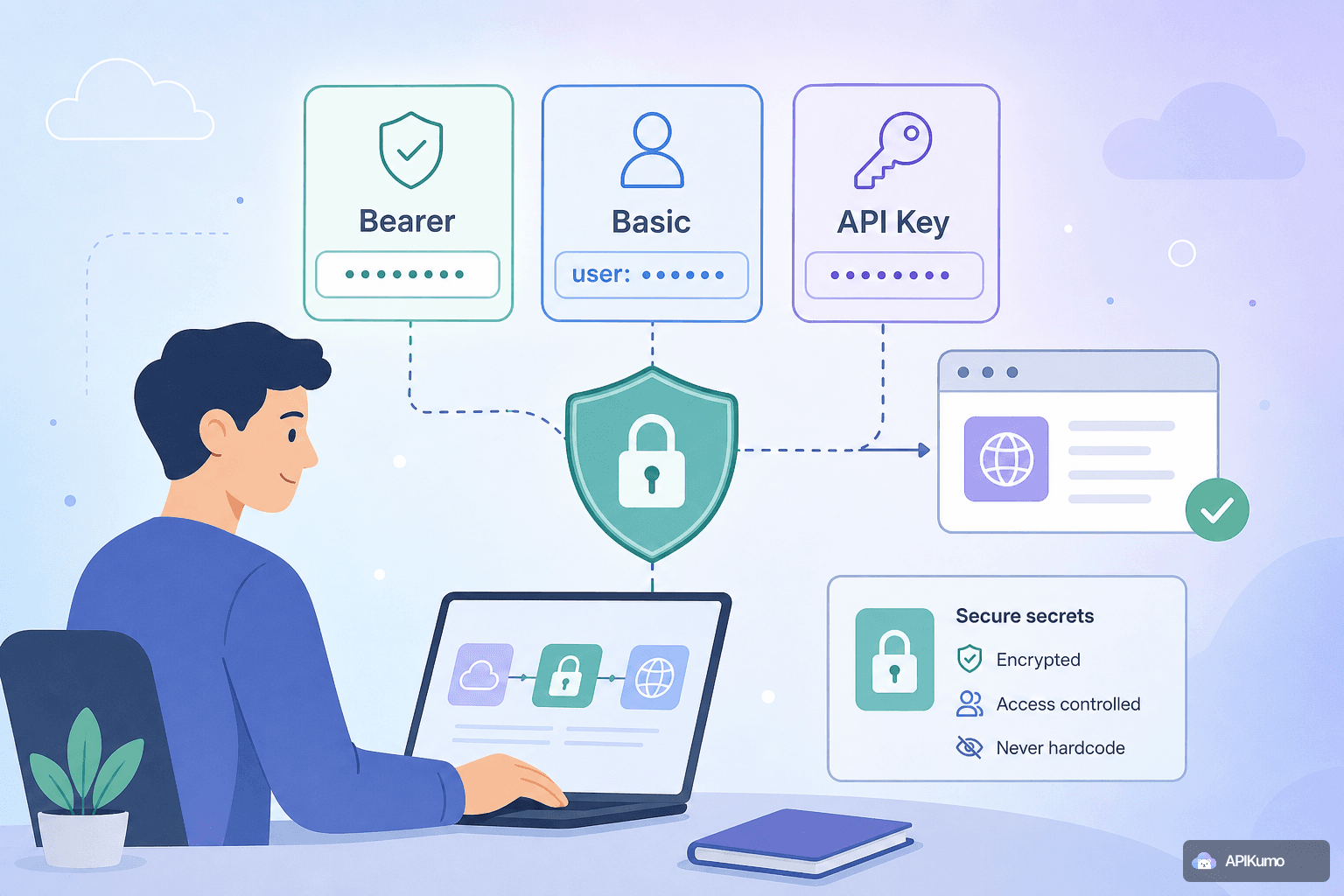
How to secure API secrets in apikumo: Bearer, Basic, and API-key auth without ever hardcoding a value
A practical guide to using apikumo's built-in Bearer, Basic, and API-key auth modes together with environment variables, so your credentials stay out of version control, exported files, and shared code samples.
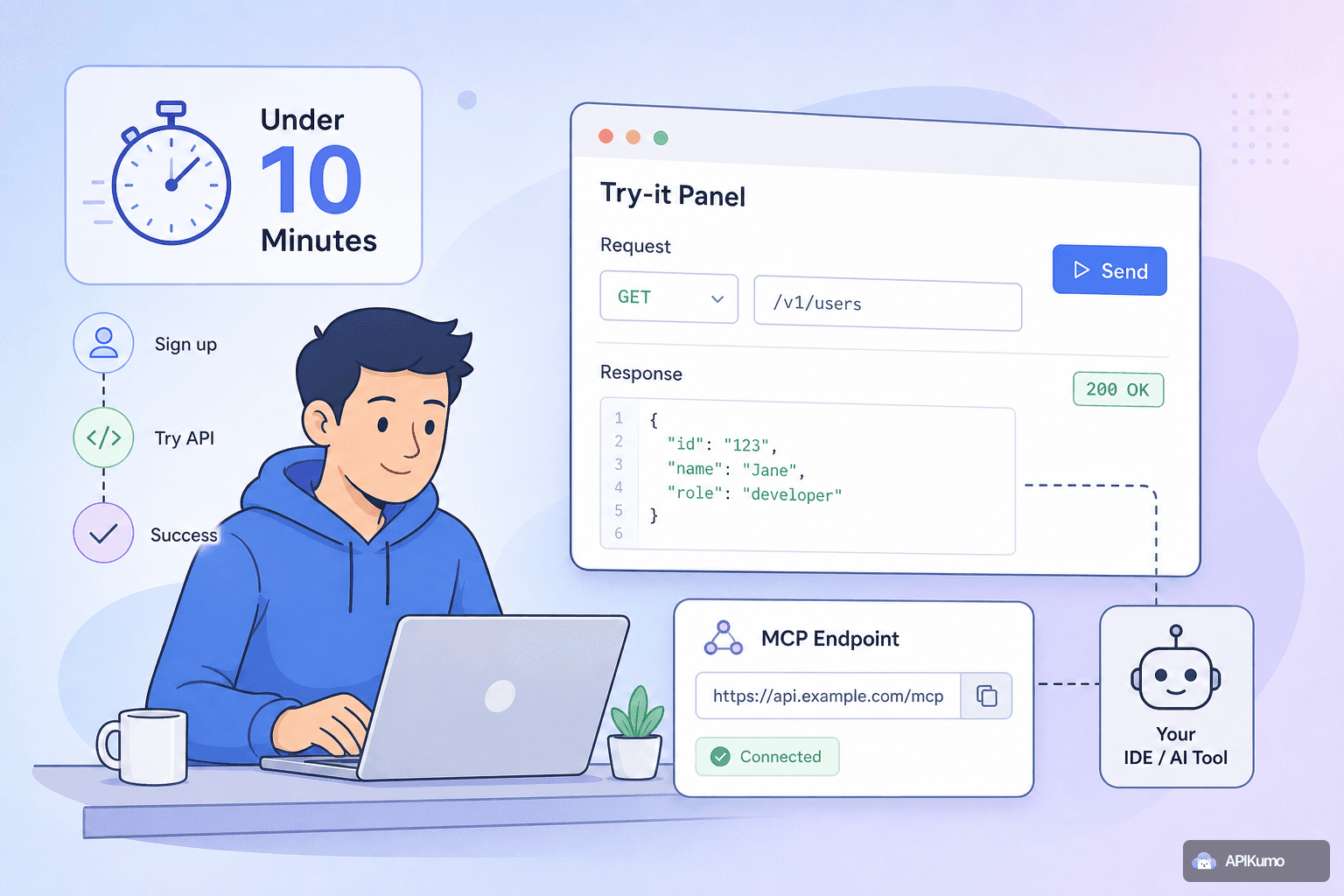
Onboarding a new developer to your API in under ten minutes using apikumo's Try-it panel and MCP endpoint
Publishing your API with apikumo gives new developers a live Try-it panel and an MCP endpoint so they can make a real, authenticated call on day one — no lengthy setup guide required.
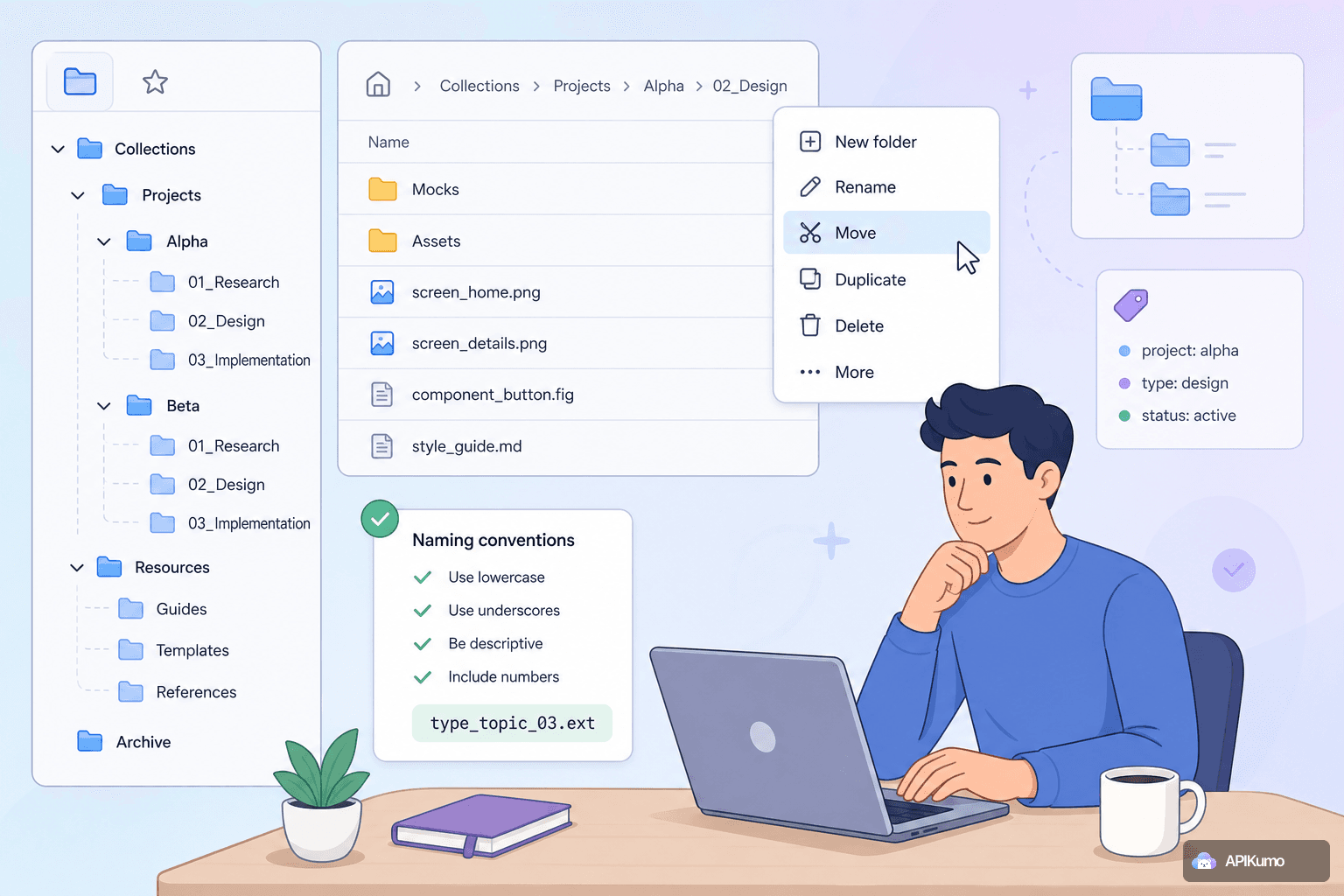
Organizing large collections with nested folders, context menus, and naming conventions
When a collection grows past a few dozen endpoints, structure becomes as important as the requests themselves. Here are practical strategies for using nested folders, context menus, and naming conventions to keep large apikumo collections fast to navigate and easy to maintain.
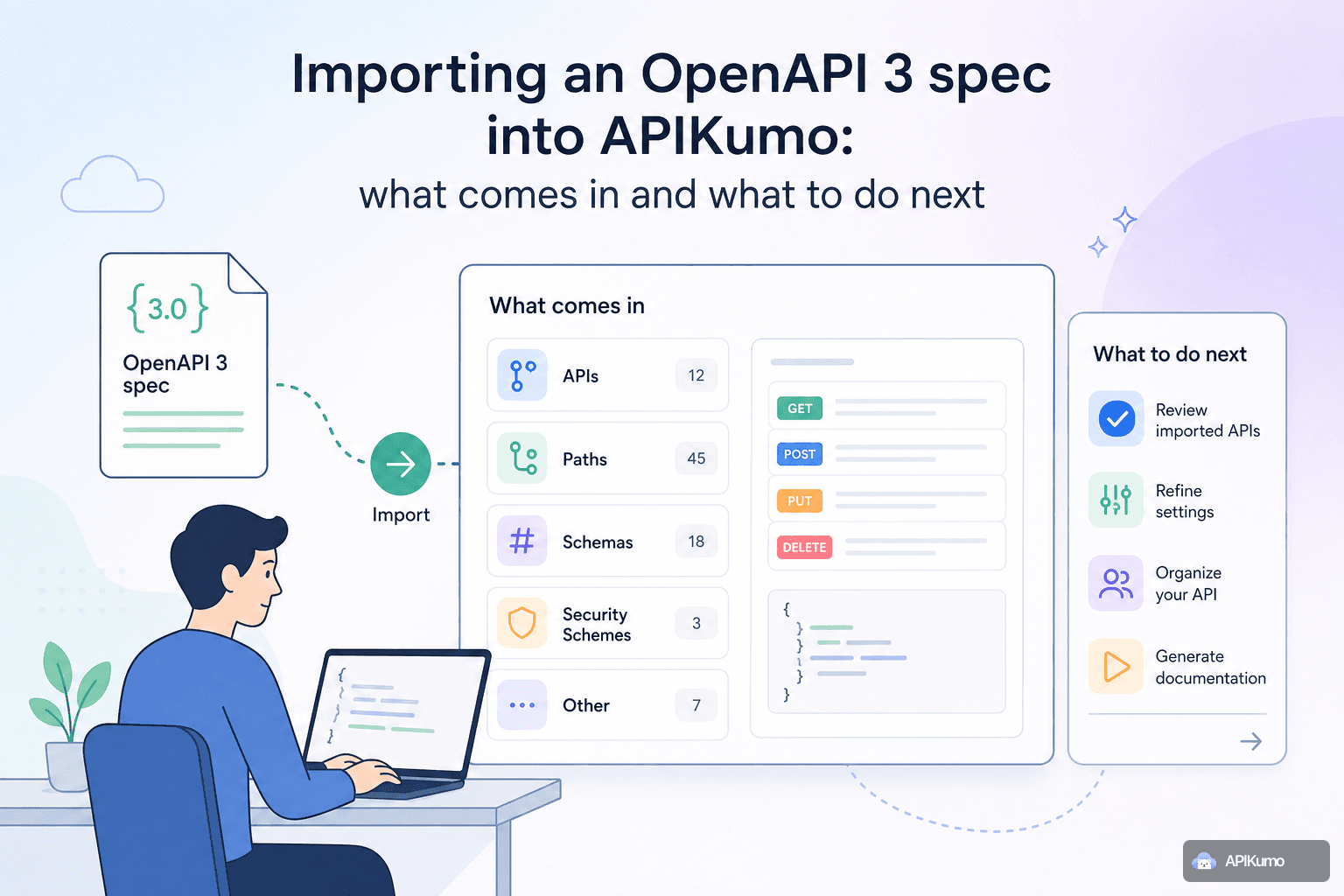
Importing an OpenAPI 3 spec into apikumo: what comes in and what to do next
If your team already maintains an OpenAPI 3 or Swagger 2.0 spec, you can have a fully navigable apikumo collection — with requests, schemas, and auth — in under a minute. This post walks through exactly what gets mapped on import and which manual steps unlock the most value afterward.
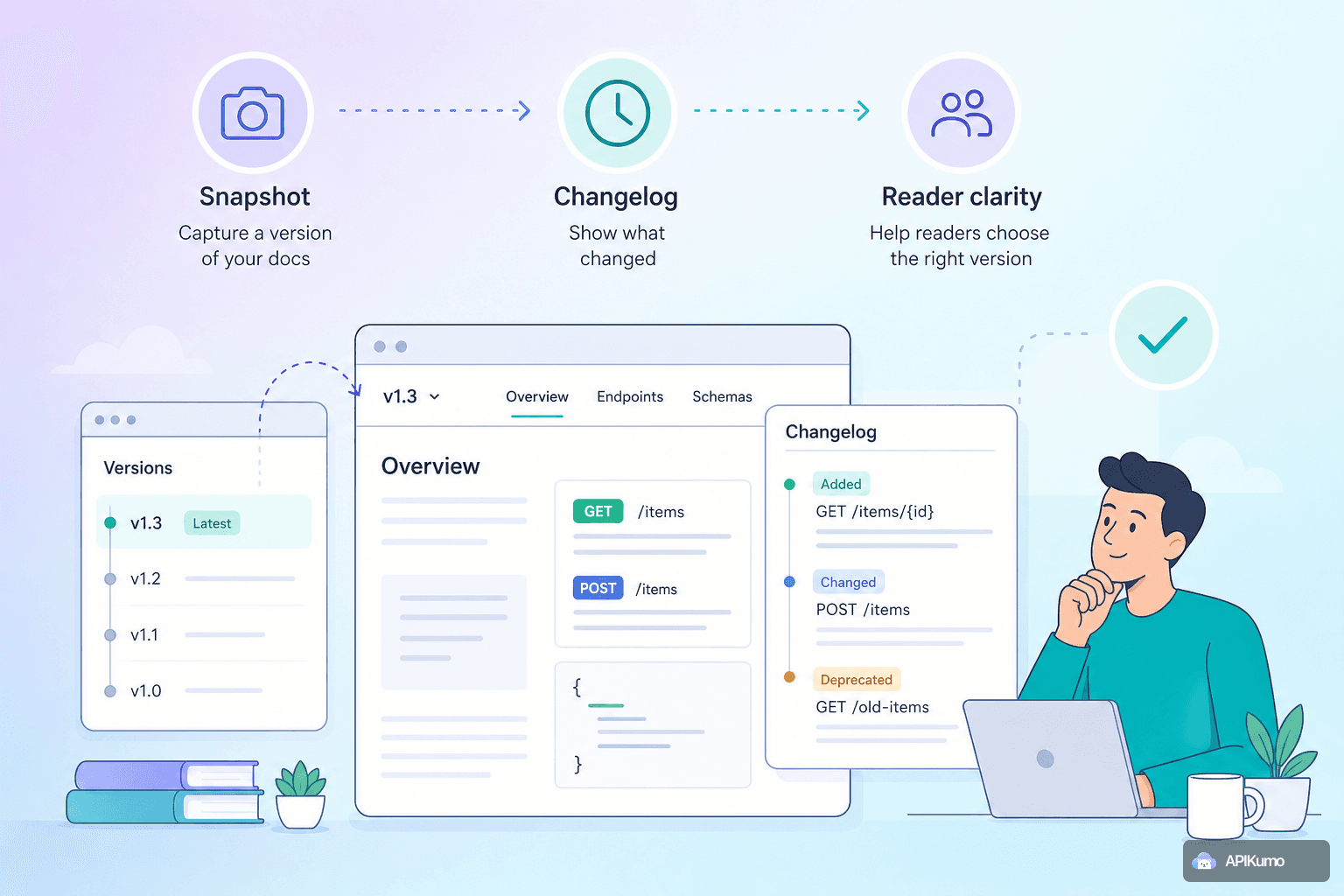
Versioning your API docs in apikumo: when to snapshot, what the changelog shows readers
Learn how to use apikumo's versioning and changelog features to ship breaking and additive API changes confidently — without disrupting the docs your readers depend on today.

How apikumo's visibility modes let you graduate docs from private to public at your own pace
apikumo's three visibility modes — Closed, Open, and Restricted — give developer-experience teams and indie API builders a structured way to graduate docs from private to public without ever losing control of who sees what.
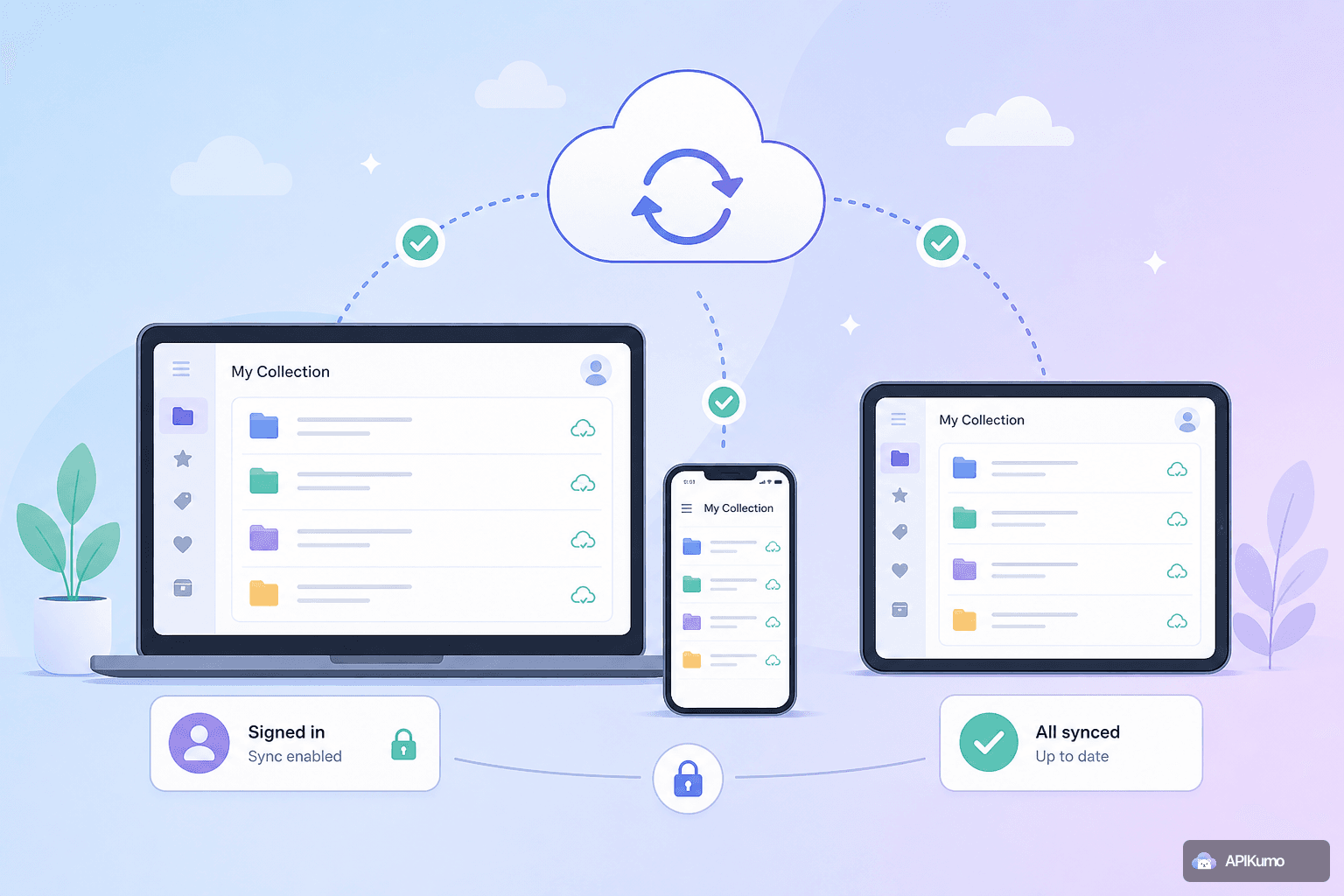
Syncing your collection across devices: how sign-in and cloud sync work in apikumo
apikumo automatically syncs your collections, environments, and saved requests across every device you sign in from — here is how the sync model works and how your secrets stay safe.
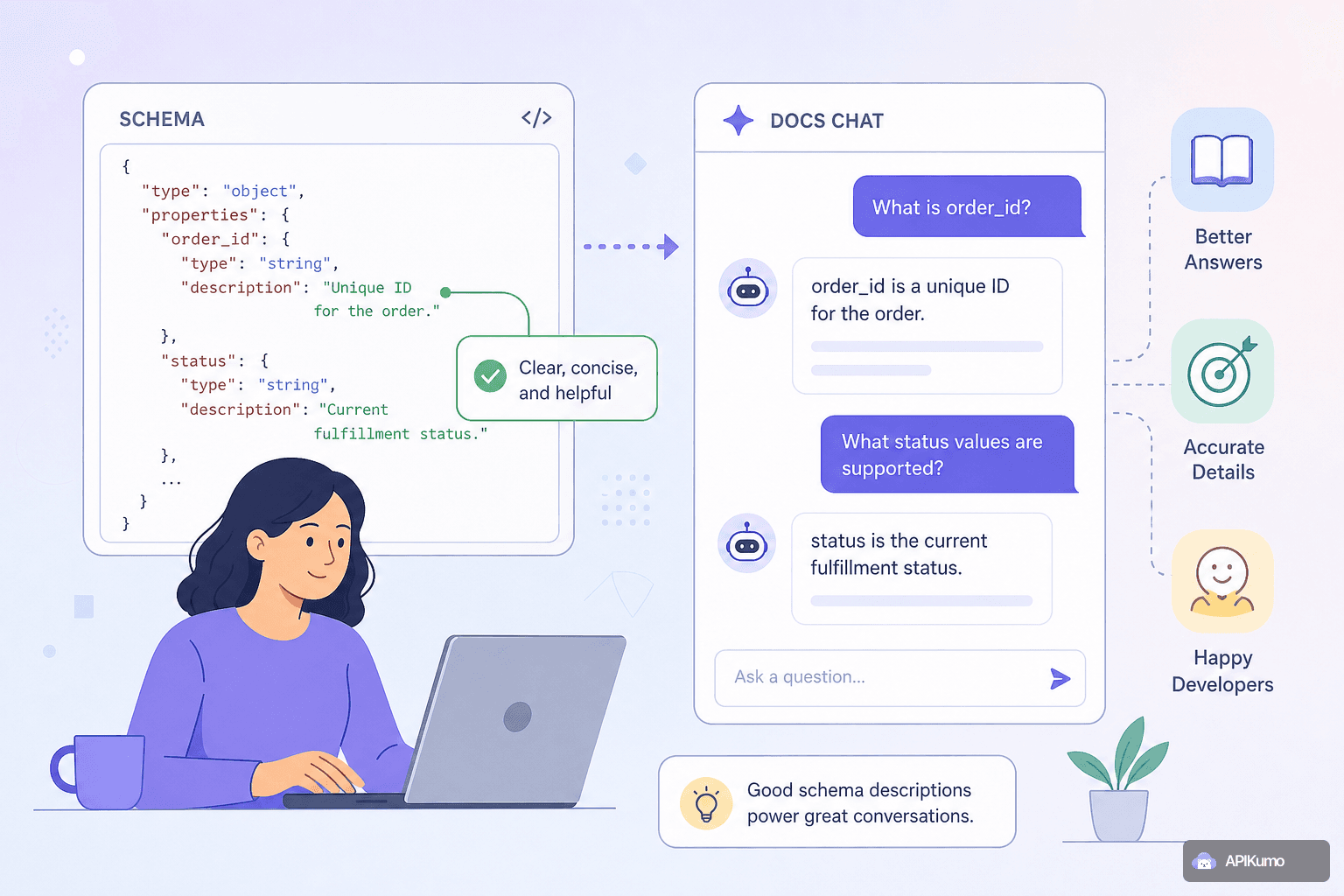
How to write schema descriptions that power the docs chat assistant
The quality of your published docs chat assistant depends almost entirely on what you write in the schema editor. This guide shows API producers how to write field descriptions, enum explanations, and example values that give Claude the grounding it needs to answer reader questions accurately.
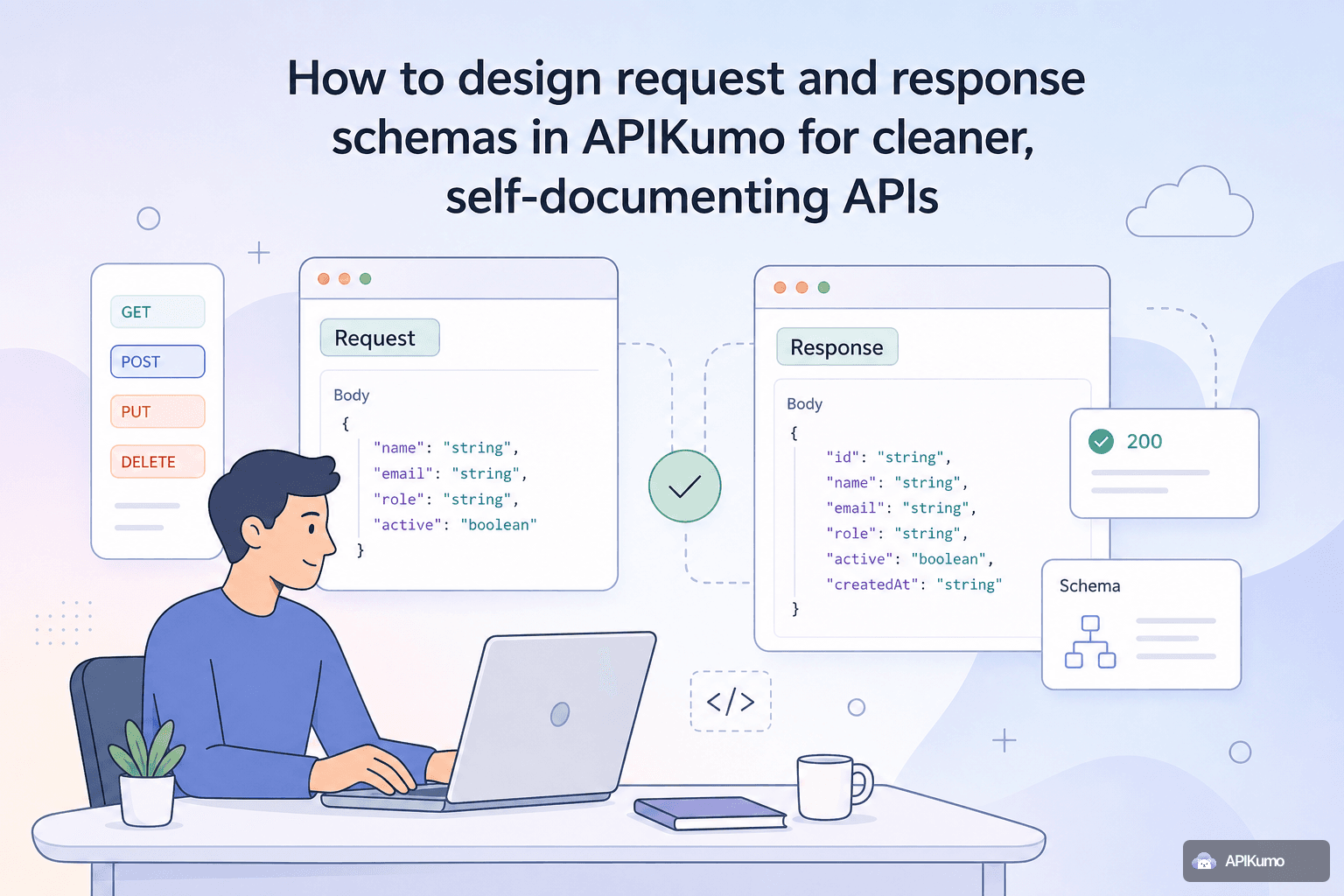
How to design request and response schemas in apikumo for cleaner, self-documenting APIs
apikumo's structured schema editor lets you define fields, types, enums, and examples inline — and every detail surfaces automatically in your published docs without a single extra line of writing.