
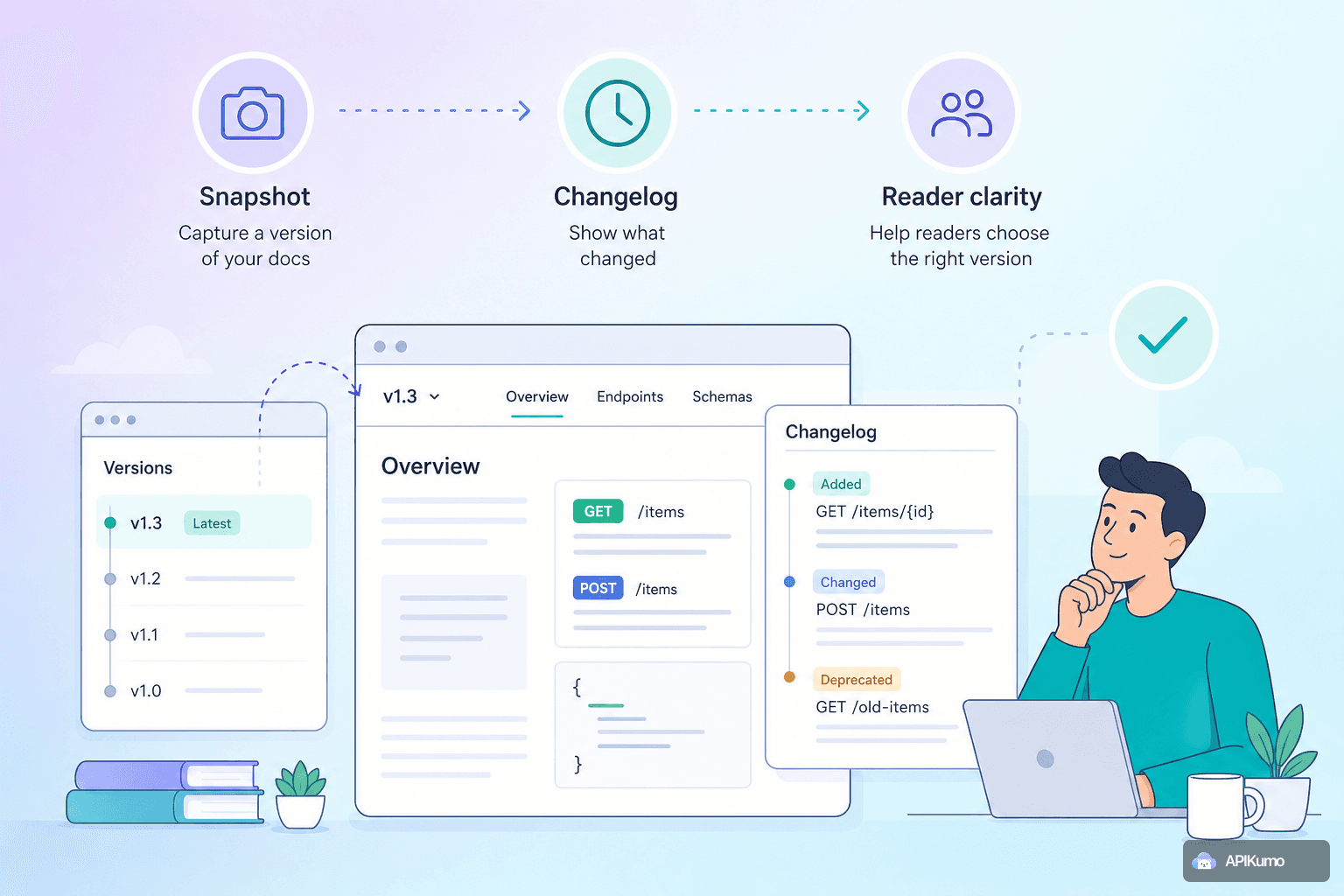
Every API eventually changes. A field gets renamed, a required parameter becomes optional, an entire endpoint is deprecated in favour of something better. The question isn't whether you'll need to communicate those changes — it's whether you'll do it in a way that gives external developers enough context to act on them without guesswork. apikumo's versioning workflow is designed around that goal: snapshot a collection to lock a stable version, keep building the next one in parallel, and write changelog entries that tell readers exactly what to do when they upgrade.
Why versioning docs matters as much as versioning code
When you deploy a new version of your API without updating your docs, you create a gap between what the documentation promises and what the server actually does. That gap lands in your support queue. Readers — whether they are human developers or AI agents fetching your llms.txt — rely on the published surface being accurate right now.
Versioning solves a different problem than just keeping docs current. It gives readers a stable reference point: "what was true for v1.2" remains true on its dedicated docs page even after you ship v1.3. And the changelog bridges the two — it answers the question every integrator eventually asks: what do I need to change in my code to move from the old version to the new one?
The snapshot: locking a version in one step
In apikumo, a snapshot captures the current state of a collection — every saved request, its parameters, headers, auth setup, schemas, and descriptions — and freezes it as a named version. Once snapshotted, that version's published docs page will not change, regardless of what you do to the collection afterwards.
Snapshot at any meaningful boundary:
- Before a breaking change. If you are about to rename a field, remove an endpoint, or change an authentication scheme, snapshot first. Readers on the old integration have a stable reference while they plan the upgrade.
- At a stable release. When a previously beta endpoint is considered production-ready, a snapshot marks the moment.
- When you add significant surface area. A batch of new endpoints added in one sprint is worth snapshotting even if nothing broke — readers can see exactly what was available at a given point in time.
What you should not do is snapshot after every small edit. Versions carry meaning; too many of them dilute that signal and make the changelog hard to scan.
Continuing development without disturbing published docs
After you create a snapshot, you keep editing the live collection as normal. The snapshot version stays published and untouched — your readers see the frozen state, while your workspace reflects whatever you are building next.
This separation matters most during longer development cycles. Suppose v1.2 of your Payments API is live and you are mid-way through reworking the /refunds endpoint for v1.3. The v1.2 docs correctly describe /refunds as it exists today. When a reader lands on that page, tests against the Try-it panel, or pulls your OpenAPI export, they get an accurate picture — not a half-finished one.
When v1.3 is ready, you snapshot again. The new version becomes the published default, and v1.2 remains accessible for readers who haven't upgraded yet.
What to put in a changelog entry
A changelog is only useful if it tells readers what they need to do, not just what you did. The following structure works well for most releases:
1. Version label and date. Give readers a clear anchor: v1.3 — 2025-07-10.
2. Change type. Categorise each item as one of:
Breaking— requires action before upgradingAdded— new endpoints, fields, or parametersChanged— behaviour that shifts without breaking existing callsDeprecated— still works, but plan to remove itFixed— corrects a bug in the API's behaviour
3. What changed, precisely. Be specific about the endpoint, field, or header involved. "Updated the orders endpoint" tells a developer nothing. "Renamed order_ref to external_id on POST /orders and GET /orders/{id}" tells them exactly where to search their codebase.
4. What the reader must do. For breaking changes especially, write the upgrade step explicitly:
Breaking —
POST /orders: theorder_reffield has been renamed toexternal_id. Update any requests that set this field. Responses fromGET /orders/{id}will also use the new name; update any code that reads it.
5. A link to the affected endpoint. Every published request in apikumo gets a permalink. Drop it in the changelog entry so readers can jump straight to the updated docs without hunting.
Example: a well-structured changelog entry
v1.3 — 2025-07-10

[Breaking] POST /orders, GET /orders/{id}
  `order_ref` renamed to `external_id`.
  Update request bodies and any code reading the response field.
  → https://your-name.apikumo.com/docs/orders/create

[Added] GET /orders/{id}/timeline
  New endpoint returning a chronological list of status events for an order.
  → https://your-name.apikumo.com/docs/orders/timeline

[Deprecated] DELETE /orders/{id}/cancel
  Use POST /orders/{id}/status with body { "status": "cancelled" } instead.
  This endpoint will be removed in v1.4.
  → https://your-name.apikumo.com/docs/orders/cancel
This kind of entry can be read in under a minute and leaves no ambiguity about what action is required.
Helping readers who land on an older version
Not every reader upgrades immediately. Some teams pin to a specific version of your API for months. apikumo keeps prior snapshots accessible, so a developer still on v1.2 can read accurate v1.2 docs, use the Try-it panel against the v1.2 endpoints, and even export the v1.2 OpenAPI spec — all without seeing confusing references to fields that don't exist in their version yet.
When you do want to nudge readers forward, the changelog is the right place to do it. A clear note in the v1.3 changelog about v1.2's upcoming removal gives teams the runway they need to plan migration sprints rather than scramble.
Versioned docs and AI agents
apikumo publishes llms.txt and Markdown exports on your docs subdomain, and exposes an MCP endpoint per published collection. AI agents — whether Claude, Cursor, or any other tool that can read your API surface — consume these files to understand what your API can do.
Versioning matters here too. An agent grounding itself in a stale llms.txt will suggest code patterns for fields that no longer exist. By snapshotting deliberately and keeping your published default pointed at the current stable version, you ensure that any agent fetching https://your-name.apikumo.com/llms.txt gets an accurate picture. The older version's exports remain available at their own URLs for agents or CI pipelines that need to pin to a specific release.
A practical versioning cadence
There is no single right answer for how often to version, but a few patterns work well in practice:
- Semantic-ish versioning (
v1,v1.1,v2). Use major versions for breaking changes and minor versions for additive ones. Readers learn the convention quickly. - Date-based versioning (
2025-07,2025-10). Common in fast-moving APIs where changes ship frequently. Communicates recency clearly. - Release-name versioning. Works well for internal APIs or developer platforms where teams have a shared release vocabulary.
Whatever convention you choose, use it consistently. Readers should be able to look at a version label and immediately understand where it sits in the history of your API.
Summary
Snapshotting a collection before a breaking change, continuing development on the live collection, and writing precise changelog entries are three small habits that have an outsized effect on developer trust. Readers who understand what changed and why — and who have a stable reference for the version they are on today — are readers who upgrade confidently rather than reluctantly. apikumo's versioning workflow is built to make all three habits as low-friction as possible, so they actually happen before the release goes out, not weeks after.