
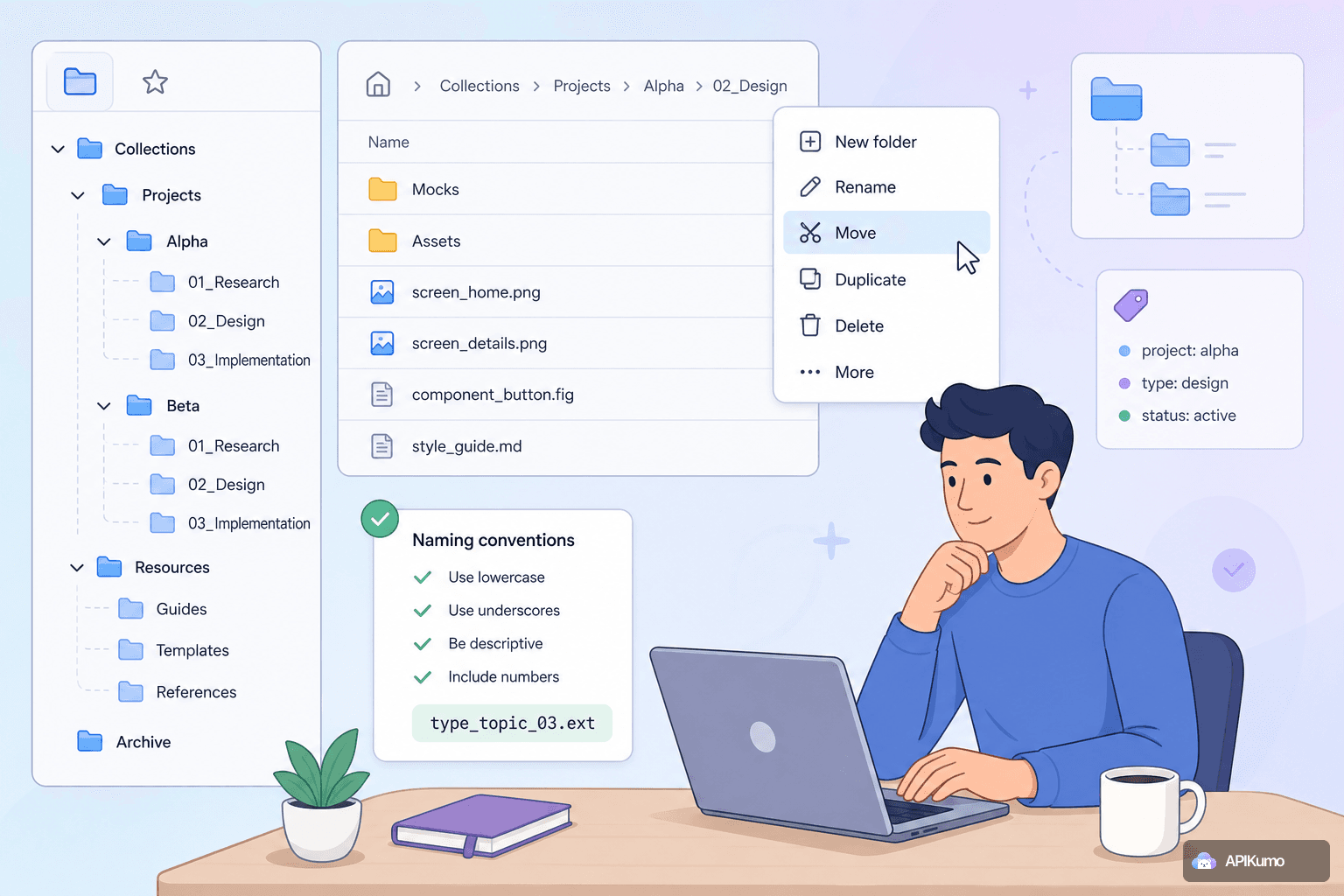
A collection with ten requests is self-organizing. A collection with two hundred is a different problem. When endpoints multiply across resources, versions, and environments, the structure you choose at the start either saves time every day or costs it. This post walks through the strategies that work best inside apikumo — covering folder depth, the right-click context menu, and the naming patterns that make the Cmd/Ctrl+K palette a genuine accelerator rather than a guessing game.
Why structure matters at scale
The practical cost of a poorly organized collection shows up in two places: time spent searching and errors from context-switching. When a developer opens the wrong request, edits it, and sends it before noticing the mistake, structure has failed. When someone new to the project spends ten minutes finding the refresh-token endpoint, structure has failed.
apikumo gives you three overlapping tools for structure: nested folders for visual hierarchy, the right-click context menu for fast reorganization, and the Cmd/Ctrl+K palette for keyboard-first navigation. Used together, they cover both the "I'm browsing" and the "I know exactly what I want" workflows.
Choosing between nested folders and flat grouping
The default instinct is to mirror your API's resource hierarchy directly — a folder per resource, subfolders per sub-resource, and so on. That works up to about two levels. Beyond that, the sidebar becomes a tree you have to expand every time, and the cognitive overhead starts to outweigh the benefit.
A useful rule of thumb:
- One level — appropriate for small APIs (under ~30 endpoints) or a single-resource service. Everything visible at a glance.
- Two levels — the sweet spot for most APIs. Top-level folders by domain or resource group (
Auth,Users,Billing,Webhooks); second level by operation type or sub-resource. - Three levels — justified when a domain is genuinely large and self-contained, for example a
Paymentsfolder containingIntents,Methods, andDisputessubfolders, each with several requests. Avoid three levels just because it could map to your URL structure.
Flat grouping — a single folder layer with descriptive request names — beats deep nesting for APIs that are stable and well-understood. Reserve depth for areas that are actively changing or genuinely complex.
A practical folder structure for a REST API
Here is a layout that works well for a mid-sized REST API:
My API
├── Auth
│   ├── POST  Login
│   ├── POST  Refresh Token
│   └── POST  Logout
├── Users
│   ├── GET   List Users
│   ├── POST  Create User
│   ├── GET   Get User
│   ├── PATCH Update User
│   └── DELETE Delete User
├── Billing
│   ├── Subscriptions
│   │   ├── GET   List Subscriptions
│   │   └── POST  Create Subscription
│   └── Invoices
│       ├── GET   List Invoices
│       └── GET   Get Invoice PDF
└── _Utilities
    ├── GET   Health Check
    └── GET   Feature Flags
A few things to notice. The Billing folder earns its second level because both sub-domains have meaningful depth. Auth stays flat because it has three requests and everyone knows where they are. The _Utilities prefix with an underscore sorts that folder to the bottom and signals "supporting, not primary" — a convention borrowed from many codebases.
Using right-click context menus to reorganize without friction
Moving requests around in a large collection is where many tools slow you down. In apikumo, right-clicking any request or folder opens a context menu with the actions you actually need: rename, duplicate, move, and delete — without leaving the sidebar.
Some workflows that become quick with context menus:
- Splitting a folder that has grown too large. Right-click the folder, duplicate it, rename the duplicate, then right-click individual requests to move them into the new folder. The whole operation takes under a minute.
- Promoting a request. When an endpoint turns out to be more important than you thought, right-click and move it up to a top-level folder so it's reachable in fewer clicks.
- Cleaning up after a sprint. At the end of a development cycle, right-click deprecated or one-off test requests to delete them in bulk rather than hunting for a delete button in each editor tab.
The context menu is also where you create new folders directly inside an existing one — useful when you realize mid-session that a sub-group is forming organically.
Naming conventions that make the palette work for you
The Cmd/Ctrl+K palette searches request names in real time. The quality of its results depends entirely on how consistently you name things. Vague names like test, new request, or get stuff make the palette useless. A simple convention makes it indispensable.
The pattern that works best: [HTTP Method] [Resource] [Action or qualifier]
Examples:
| What to avoid | What to use instead |
|---|---|
create user | POST Create User |
get all | GET List Orders |
update (new) | PATCH Update Subscription Plan |
test endpoint | GET Health Check |
delete thing | DELETE Delete Webhook |
Capitalizing the resource and action is a small choice that pays off: when you type list in the palette, every List * result groups together visually. When you type subscription, every subscription-related request surfaces regardless of which folder it lives in.
For requests that vary by environment or scenario, append a qualifier in parentheses:
POST Create Order (with discount)POST Create Order (missing required field)GET Get User (404 scenario)
This keeps related variants adjacent in palette results and makes it obvious these are test cases rather than primary endpoints.
Naming folders consistently
Folder names appear in the palette too, so apply the same care. Use singular or plural consistently (User vs Users) and pick one and stick to it across the whole collection. Title case for folders (Billing, Webhooks, Auth) and title case for requests keeps the palette results easy to scan at a glance.
Pairing structure with environments and variables
Folder and naming structure becomes especially valuable when combined with apikumo's environment system. Because {{variable}} substitution resolves at send-time, a single well-named request like GET List Products works correctly across Local, Staging, and Production — you switch environments with one click, and the request name in the sidebar and palette never changes.
A pattern worth adopting: store IDs captured in one request as variables so they flow into the next. For example:
POST Create User— a post-processor extracts the response'sidfield via JSONPath and writes it to{{created_user_id}}.GET Get User— the URL is{{base_url}}/users/{{created_user_id}}.DELETE Delete User— same variable, no copy-pasting.
With consistent naming, the three-step chain is immediately readable in the sidebar. Anyone opening the collection understands the intended sequence without any documentation.
When to prune and version instead
Structure alone cannot rescue a collection that has simply grown too large. At some point, requests that belong to a retired API version or a decommissioned feature are just noise. Before reaching for another subfolder, consider whether the right move is to snapshot the collection as a version, archive or remove the stale requests, and continue work on a clean next version.
apikumo's versioning lets you take that snapshot without losing history. Readers of your published docs see a changelog; your team works in a leaner, faster-to-navigate workspace. This is often a better trade than trying to organize everything into a single ever-growing tree.
A quick checklist before you reorganize
Before restructuring an existing collection, run through these questions:
- Is the problem depth or naming? Adding more folders when the real issue is inconsistent request names is the wrong fix.
- Would a flat structure with better names solve it? Try renaming a section before nesting it.
- Are requests named so the palette is useful? Check by opening Cmd/Ctrl+K and typing a common word like
listorcreate— if results are ambiguous, naming is the issue. - Are folders earning their level? A folder with two requests usually belongs merged into its parent.
- Is it time to version rather than reorganize? If stale requests are the root cause of the clutter, a version snapshot and a cleanup pass is the cleaner solution.
A well-structured collection is quietly productive — it removes the friction that accumulates in small doses but costs real time across a team and a project. Start with two folder levels and a consistent naming pattern, use right-click context menus to iterate without interrupting your flow, and let the Cmd/Ctrl+K palette do the navigation heavy lifting. When the collection grows past what structure can handle gracefully, snapshot a version and start fresh. The goal is a workspace where finding the right request takes seconds, not searches.