
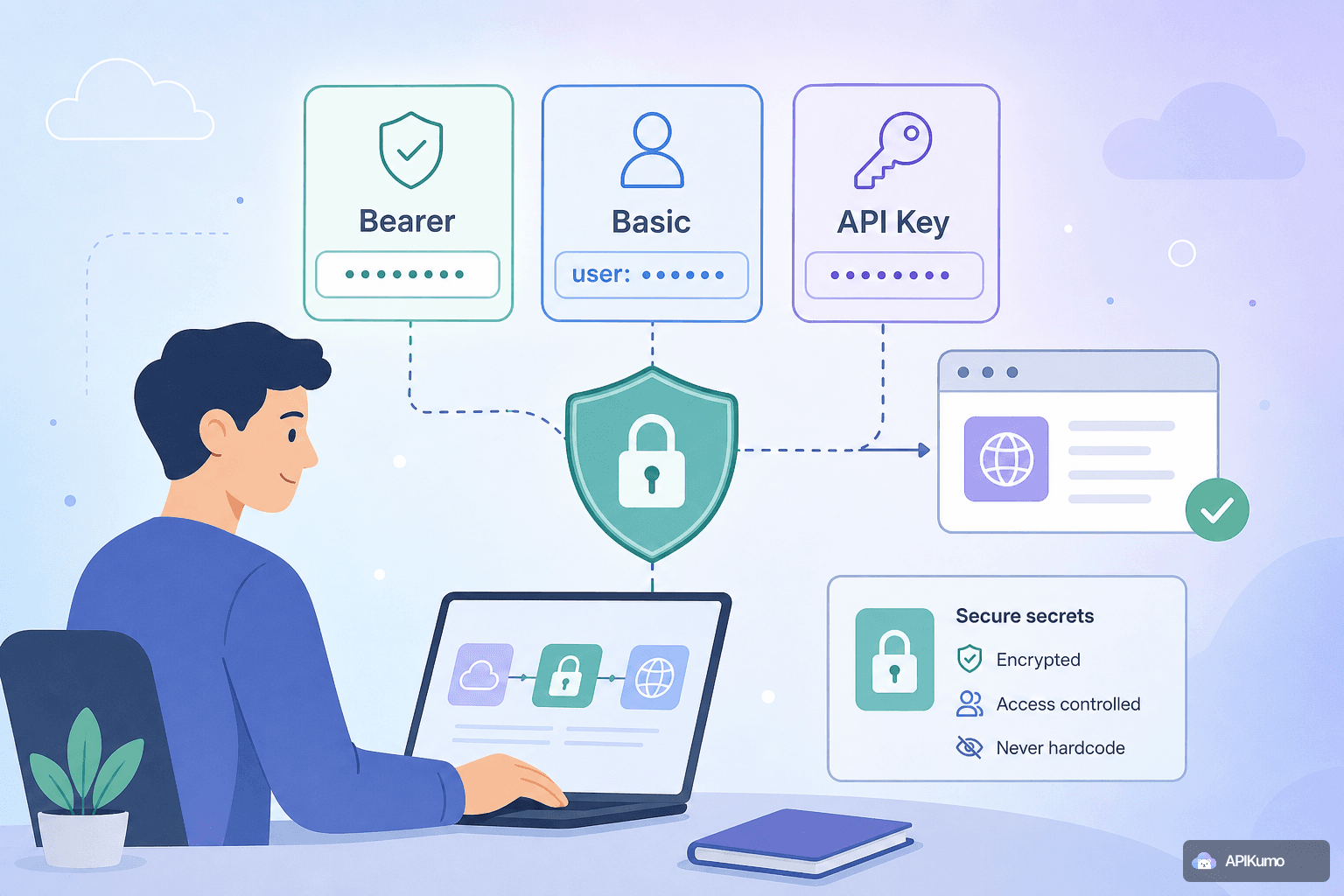
If you have ever run git log and spotted a raw API token sitting in a request file, you know the sinking feeling that follows. Rotating credentials, auditing access, and filing the incident report are not how anyone wants to spend an afternoon. The root cause is almost always the same: secrets were written directly into a tool's configuration instead of being referenced by name. This tutorial walks through apikumo's three built-in auth modes and shows how environment variables make hardcoded credentials unnecessary — at every stage of the API lifecycle, from the first send to a published code sample.
Why hardcoded secrets are a persistent problem
Most credential leaks do not happen because a developer was careless. They happen because the tool made the unsafe path the easiest one. You paste a token into a URL or Authorization header, the request works, you export the collection, and the token travels with it into a shared folder, a Slack message, or a public repository.
The safe path needs to be just as easy — ideally easier. That is the design goal behind apikumo's auth modes and environment system.
Environments and {{variable}} substitution
Before looking at the auth modes themselves, it is worth understanding how variables work, because they are the foundation everything else builds on.
In apikumo you create one environment per context — Local, Staging, Production, or whatever names fit your workflow. Each environment holds a set of key-value pairs. The values are stored separately from the collection; they are never embedded in a saved request.
Anywhere in a request — URL, query string, header value, body, or auth field — you can write {{variable_name}}. When you press Send, apikumo resolves every placeholder against the active environment at that exact moment. The resolved value is used for the network call and then discarded. What gets persisted to disk (or synced across your devices) is the placeholder text, not the secret.
A typical environment for a token-authenticated API might look like this:
| Key | Value |
|---|---|
base_url | https://api.example.com |
access_token | eyJhbGciOiJSUzI1NiJ9… |
api_key | sk-live-abc123… |
Switch from Staging to Production with one click in the environment dropdown, and every request in the collection instantly targets the right credentials and base URL — no find-and-replace required.
Bearer token auth
Bearer authentication is the most common pattern for modern REST and GraphQL APIs. In apikumo's request editor, select Bearer from the auth dropdown and you will see a single token field. Type a variable reference instead of the token itself:
{{access_token}}
apikumo adds the Authorization: Bearer <resolved-value> header for you at send-time. Your saved request contains only the placeholder. If you export the collection as OpenAPI 3 or Postman v2.1 and share it with a colleague, they will see {{access_token}} — a prompt to supply their own credential, not yours.
Rotating a token is a one-step operation: update the value in the environment. Every request that references {{access_token}} picks up the new value automatically, with no changes to the collection itself.
Basic auth
Basic authentication encodes a username and password as a Base64 string and sends it in the Authorization header. The encoding step is easy to forget — and pasting a pre-encoded string into a header is precisely the kind of thing that ends up in version control.
Select Basic in the auth dropdown and apikumo reveals two fields: Username and Password. Use variables in both:
Username: {{basic_user}}
Password: {{basic_password}}
apikumo handles the Base64 encoding internally before the request leaves the client. The raw username and password resolve from the active environment and are never stored in the collection. The encoded header is constructed in memory, used once, and gone.
API-key auth
Some APIs expect a key in a custom header (X-API-Key, Api-Key) or as a query parameter (?api_key=). Select API Key in the auth dropdown, choose whether the key should be sent as a header or a query parameter, name the field, and reference your variable:
Header name:  X-API-Key
Header value: {{api_key}}
or for query-parameter delivery:
Parameter name:  api_key
Parameter value: {{api_key}}
The same send-time resolution rules apply. The variable reference is what gets saved; the live key is only materialised when the request is actually dispatched.
Pre-processors for advanced token flows
Static tokens are straightforward, but many APIs issue short-lived access tokens that must be fetched first via an OAuth or custom auth endpoint. apikumo's pre-processors let you automate this without hardcoding anything.
A common pattern is bearer-from-env: a pre-processor that reads a stored token from the environment, checks whether it is still valid, and — if not — fires a separate request to your auth endpoint, then writes the new token back into the environment before the main request is sent.
You can also use the custom JS sandbox pre-processor for anything the built-in steps do not cover: HMAC signatures, timestamp + nonce headers, or proprietary signing schemes. Variables captured in a post-processor on one request (via JSONPath extraction from the response body) flow automatically into the next request's environment, so you can chain an auth → list → delete sequence in a single workspace without ever copying a token by hand.
This means the only secret that ever needs to live in your environment is the long-lived credential (a client secret, a refresh token) used to fetch short-lived ones. Everything else is derived and ephemeral.
Secrets in exported files and code samples
One source of leaks that is easy to overlook is the generated code sample. When you share a cURL command or a Python snippet, does it contain the real token?
In apikumo, code samples are generated from the saved request — which contains {{variable_name}} placeholders — with environment variable substitution applied only if you explicitly choose to include it. By default, the 20+ generated targets (cURL, Python Requests, JS Fetch, Go, and so on) emit the placeholder text, making it immediately obvious to the recipient that they need to supply their own credential:
curl -X GET 'https://api.example.com/v1/orders' \
  -H 'Authorization: Bearer {{access_token}}'
Similarly, OpenAPI 3 and Postman exports carry placeholder names, not resolved values. When you publish a Docs Site and enable the Try-it panel, readers supply their own environment values locally; your production token is never involved.
A quick checklist before you share anything
Before exporting a collection, sharing a code sample, or publishing a Docs Site, run through this list:
- All auth fields reference
{{variables}}— no raw tokens, passwords, or keys appear anywhere in the request editor. - Each environment's values live only in that environment — never pasted into a URL, body, or header directly.
- Exported files have been spot-checked — open the JSON or YAML and search for your known secret strings. If the search returns nothing, you are clear.
- Code samples show placeholders, not resolved values — share the snippet as-is; let recipients substitute their own credentials.
- Published docs use Restricted or Closed visibility if the endpoint itself is not public — apikumo's three visibility modes (Closed, Open, Restricted) give you precise control over who can reach the Try-it panel.
Putting it all together
Securing API credentials in a development tool is not a matter of discipline alone — it is a matter of making the right behaviour the default behaviour. By keeping all three auth modes (Bearer, Basic, API Key) variable-aware, resolving secrets only at send-time, and carrying only placeholder text through exports and code generation, apikumo tries to close the gap between "it works" and "it is safe".
If you are migrating an existing collection from Postman or Insomnia, import it directly — apikumo supports both formats — and then do a single pass to replace any hardcoded values with {{variable}} references. It usually takes less than five minutes and means the next export, the next shared snippet, and the next code review will be clean by default.