
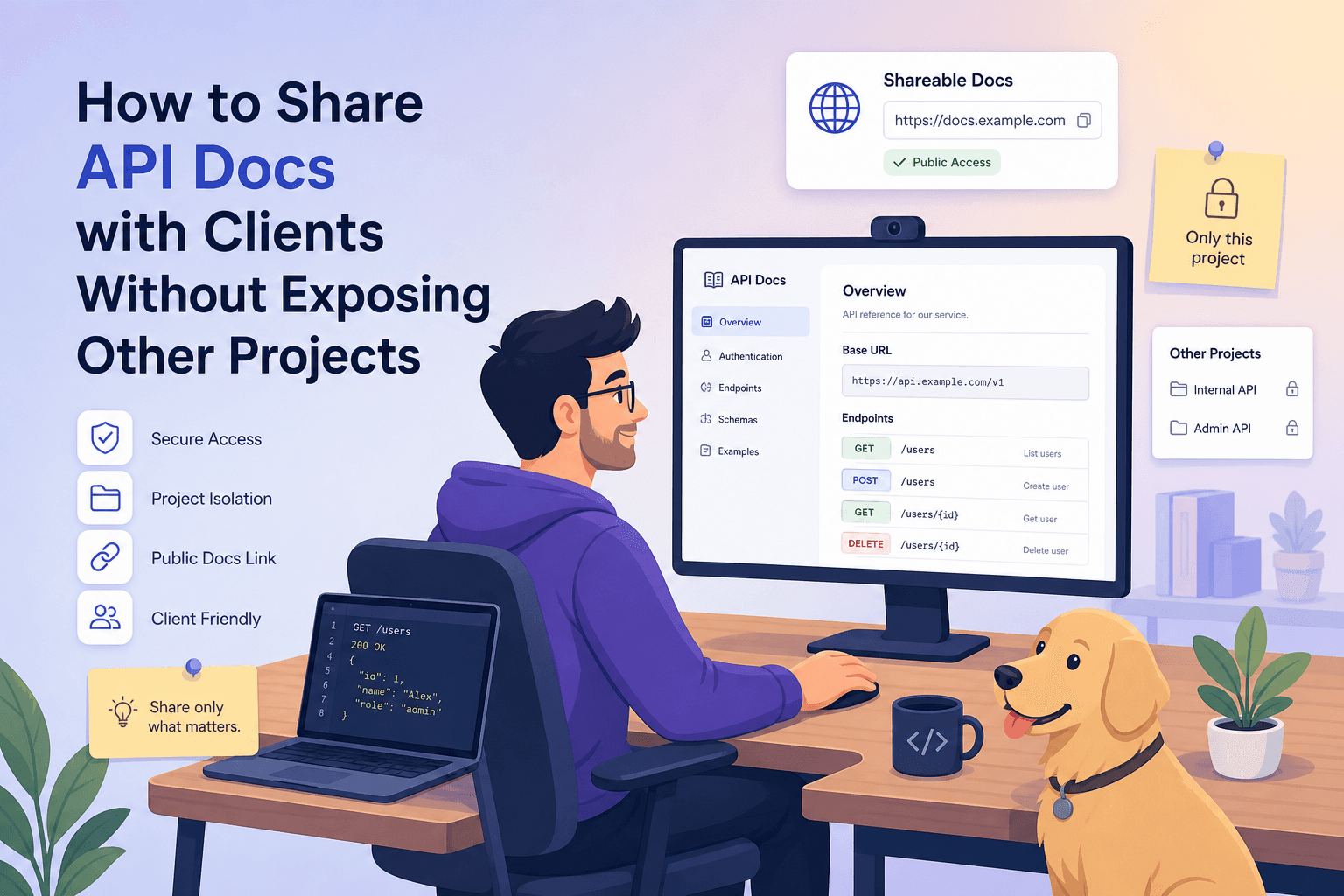
You've been there. A client asks for the API documentation for their project. You open your API platform and realize everything is in one big workspace — your other clients' endpoints, internal tools, half-finished prototypes, and that auth token you forgot to scrub.
How do you share just what they need without leaking everything else?
This is one of the most underrated security and operational problems for development teams. Let's walk through what goes wrong, what good looks like, and how to set up a clean, scalable system.
The Real Risks of "Just Send Them the Postman Collection
Sharing API docs sloppily isn't just embarrassing. It can cost you contracts, trust, and in some cases trigger NDA breaches. Here's what typically goes wrong.
Cross-client information leaks. You export a collection that has variable references to other clients' base URLs, env names, or internal naming conventions. Even endpoint names like /internal/acme-corp/users can reveal who else you work for.
Leaked credentials. Bearer tokens, API keys, and basic auth headers love to hide in saved request examples. If you share a collection file with auth pre-filled, you've just handed over your keys.
Reverse-engineering exposure. Even without credentials, the shape of your other APIs leaks engineering decisions, data models, and business logic. Competitors love this.
No revocation path. You sent a .json file or a public link with no expiry. Six months later, the recipient has left the project and still has everything.
Stale docs that contradict reality. You sent docs once, then your API evolved. Now the client is integrating against ghosts.
What "Good" Actually Looks Like
A clean API doc-sharing setup has these properties:
- Project-level isolation — each project is its own world, with its own variables, environments, and schemas
- Granular sharing — share one project (or even a subset of endpoints) without exposing siblings Authenticated, revocable access — clients log in or use a tokenized link, and you can kill access anytime
- Public vs. private separation — public docs for marketing, authenticated docs for client and internal use
- Auto-redacted secrets — placeholder variables instead of real tokens
- Versioned views — clients see the version they're integrating against, not the one you're refactoring
- Audit trail — you know who accessed what and when
Let's break each down.
1. Treat Every Project as a Sealed Box
The single biggest mistake is keeping all your work in one mega-workspace. Folders aren't isolation — they're organization. The moment you share at the workspace level, you risk leaking everything in adjacent folders through search, autocomplete, or environment variables.
Each project should have its own variables and environments, its own auth configurations, its own schemas and shared components, and its own access list. Think of it like Git repos: nobody puts ten clients into one repo and just adds folders.
2. Share at the Project Level, Not the Account Level
When you generate a share link or invite, it should be scoped explicitly to the project — never to your full account view. The recipient should see only what's inside that project, with no UI hints that other projects exist.
A good test: if your client opens the shared doc, can they see your account name, sidebar, or other project names? If yes, you've leaked metadata.
3. Use Authenticated Sharing for Anything Sensitive
Public links are great for open-source SDKs and developer marketing. They're terrible for client work.
For client work, prefer email-based invites where only people on the allowlist can view, SSO or domain-restricted access where anyone at @client.com can view, or token-based links that are revocable, expirable, and traceable.
The principle: if you can't revoke access remotely in under 30 seconds, it's too risky.
4. Separate Public Docs from Internal Docs
For each project, you typically want two views. Public docs cover endpoint signatures, parameters, examples, and error codes — no auth headers with real values. Internal docs cover staging URLs, debug endpoints, deprecated routes, and internal-only auth flows.
These should be different shareable surfaces, not just hidden folders. Separating them at the structural level prevents accidental exposure during a "share the whole project" moment.
5. Scrub Secrets Automatically
Manual scrubbing fails. Always. Someone forgets, a token slips through.
Build the workflow so real auth tokens live in environment variables (never inline in requests), shared docs render the variable name like {{API_TOKEN}} instead of the resolved value, and example request and response payloads pass through a redaction step before publishing.
If your tooling can't do this automatically, write a pre-share checklist and stick it on the wall.
6. Version Your Docs Like You Version Your API
Your client signed up to integrate with v1.2. You're now on v1.5. They shouldn't see v1.5 unless you've explicitly told them to migrate.
Pin the shared doc to a version. When you publish v1.6, the v1.2 link still works exactly as it did. This is what prevents the "but the docs said this would work" support tickets.
7. Keep an Audit Log
For any client-facing project, you want to know who accessed the docs, when they accessed them, which endpoints they looked at, and whether they tried to call live endpoints.
This isn't only security — it's product feedback. If the client never opened the auth section, they're going to ask you the same auth questions next week.
The Workflow That Holds Up in Practice
- One project per client or product, with strict per-project variables and auth
- Public docs for marketing, authenticated docs for clients
- Token-based or domain-restricted sharing for everything client-facing
- Versioned, pinned doc URLs for active integrations
- Automatic secret redaction on the rendered doc surface
- Quarterly review — kill stale share links, revoke access for ended engagements
If your current tool can't enforce this without manual discipline, that's a sign your tool is the bottleneck, not your team.
How Apikumo Handles This
We built Apikumo with exactly this problem in mind. Each project is fully isolated — its own schemas, variables, environments, and access list. Sharing happens at the project level with revocable, scoped links. Secrets are referenced as variables and never resolved into the rendered docs your clients see. Versioning is first-class, so a client integrating against v1.2 stays on v1.2 until you decide otherwise.
The goal is simple: sharing API docs should feel like handing someone a sealed envelope, not opening your filing cabinet.
TL;DR
Don't share whole workspaces — share scoped projects. Don't use public links for client work — use authenticated, revocable access. Don't ship raw tokens in collections — use variables that render as placeholders. Don't share unversioned docs — pin to the version your client is integrating with. Audit access quarterly and revoke aggressively.
Your clients trust you with their integration. Returning that trust starts with not accidentally showing them everyone else's.