
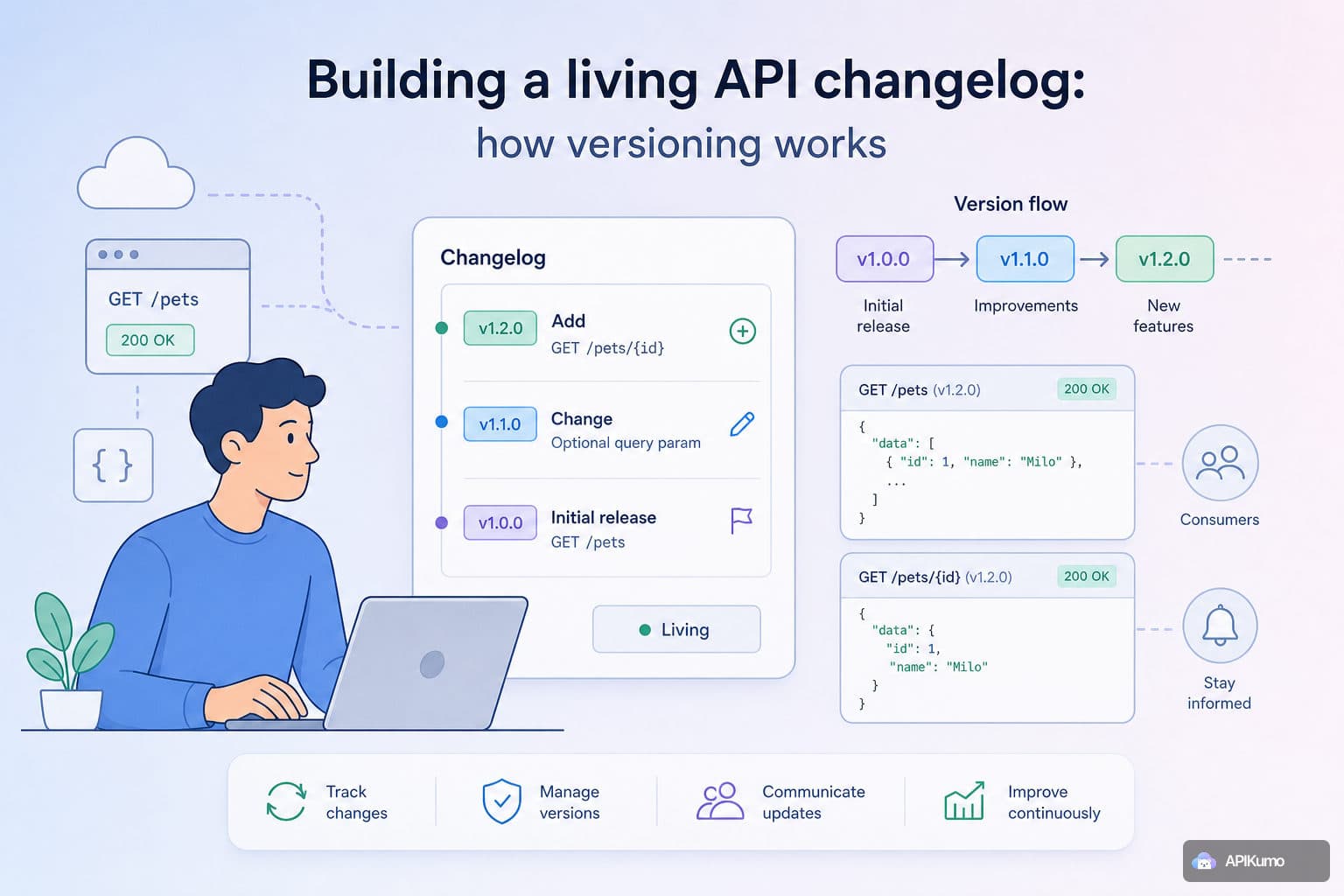
Every API eventually needs a breaking change. A field gets renamed, an endpoint moves, an auth scheme is replaced. The technical work is usually the easy part. The hard part is communicating clearly enough that your consumers aren't caught off guard — and keeping your documentation accurate during the transition. apikumo's versioning system is built around that communication problem, not just the mechanics of tagging a release. This guide walks through the full cycle: snapshotting a stable version, iterating safely, and publishing a changelog your readers will actually use.
Why versioning is a communication tool first
A version number on its own is almost meaningless. What matters is the story attached to it: what changed, why, and what consumers need to do about it. Without that narrative, readers are left diffing your docs manually and guessing whether a change is additive or breaking.
That's the lens to bring to the workflow below. Every step — snapshot, iterate, document, publish — has a corresponding communication act. The snapshot says "this is stable." The changelog entry says "here's what moved." The published version says "you can rely on this." Done well, your API changelog becomes a trust-building artefact, not just a release audit trail.
Step 1: Snapshot a collection into a named version
Before you start making changes, preserve what exists. In apikumo, open the collection you want to version and select Snapshot this version from the collection menu. You'll be prompted to give it a name — something like v1.2.0 or 2025-06 works equally well; use whatever scheme your consumers already expect.
The snapshot is a point-in-time copy of every request, schema, description, and example in the collection. It is read-only from that moment on. Readers who have bookmarked a permalink to v1.2.0 will always see exactly what you published, even after you've shipped v2.0.0 and removed a dozen endpoints.
A few things worth knowing about snapshots:
- They capture schemas. The structured request and response shapes you've defined — fields, types, enums, examples — are frozen alongside the requests.
- Permalinks are stable. Every endpoint in a snapshot has its own shareable URL on your
your-name.apikumo.comdocs site. Those links don't rot. - Snapshots don't block development. The moment you take one, the collection is free to evolve independently.
Step 2: Develop the next version in parallel
With the snapshot locked, return to the live collection and start building. Add the new endpoints, rename the fields, restructure the auth flow — none of it touches the snapshot. Your consumers keep reading the stable version while you work.
This parallel state is where environment variables earn their place. If you're moving from API-key auth to bearer tokens, update your {{auth_token}} variable in the Production environment while keeping {{api_key}} in place for the legacy flow. Pre-processors can handle the signing logic for each:
// Pre-processor: attach bearer token from environment
request.headers.set('Authorization', `Bearer {{auth_token}}`);
Running the old and new auth schemes side by side in separate environments lets you validate both without duplicating requests. When you're satisfied the new version works, you'll snapshot again — but first, document what changed.
Step 3: Write changelog entries as you go
The most common versioning mistake is treating the changelog as something you write after shipping. By then, the nuance is gone and the entries become vague. A better habit is to write the changelog entry at the same time you make the change — while you still remember exactly why you made it.
In apikumo, the Versions and changelog panel lets you add entries to the in-progress version at any point. Each entry has a type (breaking, deprecated, added, changed, fixed), a short title, and an optional longer description. That structure matters: it lets readers filter for only the breaking changes, which is almost always the first thing they want to see.
Some patterns that make changelog entries genuinely useful:
- Be explicit about what breaks. "Renamed
user_idtouserIdin all response bodies" is useful. "Updated field naming conventions" is not. - Link to the affected endpoint. Because every request in your collection has a permalink, you can drop a direct link into the changelog description and readers land exactly where they need to be.
- Note the migration path. If there's a transitional endpoint, a compatibility header, or a deprecation window, say so in the entry — not just in a separate migration guide that readers may never find.
Step 4: Snapshot the new version and surface the changelog
Once development is complete and the changelog entries are written, take a second snapshot named for the new version — v2.0.0, for example. From this point, your docs site shows both versions, and the changelog is attached to the newer one.
On the published docs site at your-name.apikumo.com, readers see a version switcher that lets them navigate between v1.2.0 and v2.0.0. They can compare the two side by side, read the changelog, and use the Try-it panel to call either version's endpoints directly from the page — with their own environment variables substituted in automatically. No copy-pasting into a separate client required.
The OpenAPI 3 export and the llms.txt export are both version-aware, meaning AI agents and automated tooling that pull from your subdomain get the correct schema for whichever version they're targeting.
Keeping older versions visible — but clearly marked
Deprecating a version doesn't mean deleting it. Consumers on old integrations may have months of runway to migrate, and removing docs prematurely creates support overhead. Instead, mark the old version as deprecated in the changelog and let it remain visible. The version switcher displays deprecated versions with a clear label so readers know at a glance that they should be moving forward.
When a version truly reaches end of life and you want to stop supporting it, you can restrict visibility using the collection's Restricted mode — limiting access to allowlisted emails rather than pulling the docs entirely. That way, active consumers who still need the reference can get it, while new visitors are directed to the current version.
Connecting versioning to your API's trust lifecycle
There's a reason experienced API teams invest in this discipline even when they're moving fast: the changelog is often the first place a consumer looks when something breaks in production. If the entry is there — timestamped, clearly described, with a migration path — the conversation starts from a position of clarity. If it isn't, you're on the defensive.
The mechanics apikumo provides are lightweight precisely so this discipline doesn't add friction. Snapshots take seconds. Changelog entries are a few fields. The publish step is already part of your normal workflow. What you're really investing in is the habit of treating every change as something worth explaining to the person on the other end of your API.
The docs assistant powered by Claude on your published site is also changelog-aware: when a reader asks "what changed between v1 and v2?", the grounded answer comes from exactly the entries you wrote. That's the loop closing — careful documentation at write time becomes accurate, on-demand answers at read time.
A practical versioning checklist
Before shipping any breaking change, run through these steps:
- Snapshot the current stable version with a clear name before touching anything.
- Develop against the live collection using environment variables to isolate the new behaviour.
- Write changelog entries as you change things — type, title, description, and a link to the affected endpoint.
- Snapshot the new version when development and testing are complete.
- Publish and verify the version switcher, changelog, and Try-it panel all reflect the new state.
- Mark the previous version deprecated with a note on the migration window.
- Export OpenAPI and
llms.txtif downstream tooling or AI agents depend on your schema.
Following this sequence consistently means that versioning stops being an afterthought and becomes a natural part of how you ship.
Versioning well is one of the clearest signals you can send about how seriously you take your API consumers. The snapshot-iterate-document-publish loop in apikumo keeps that process lightweight enough to do every time, without sacrificing the transparency that makes your changelog worth reading. Start with your next change — even a small one — and treat the entry you write as part of the feature itself.